Vault

Find, reuse, and insert trusted precedent clauses, definitions, and provisions with a single click. All in Word.

Book a demo
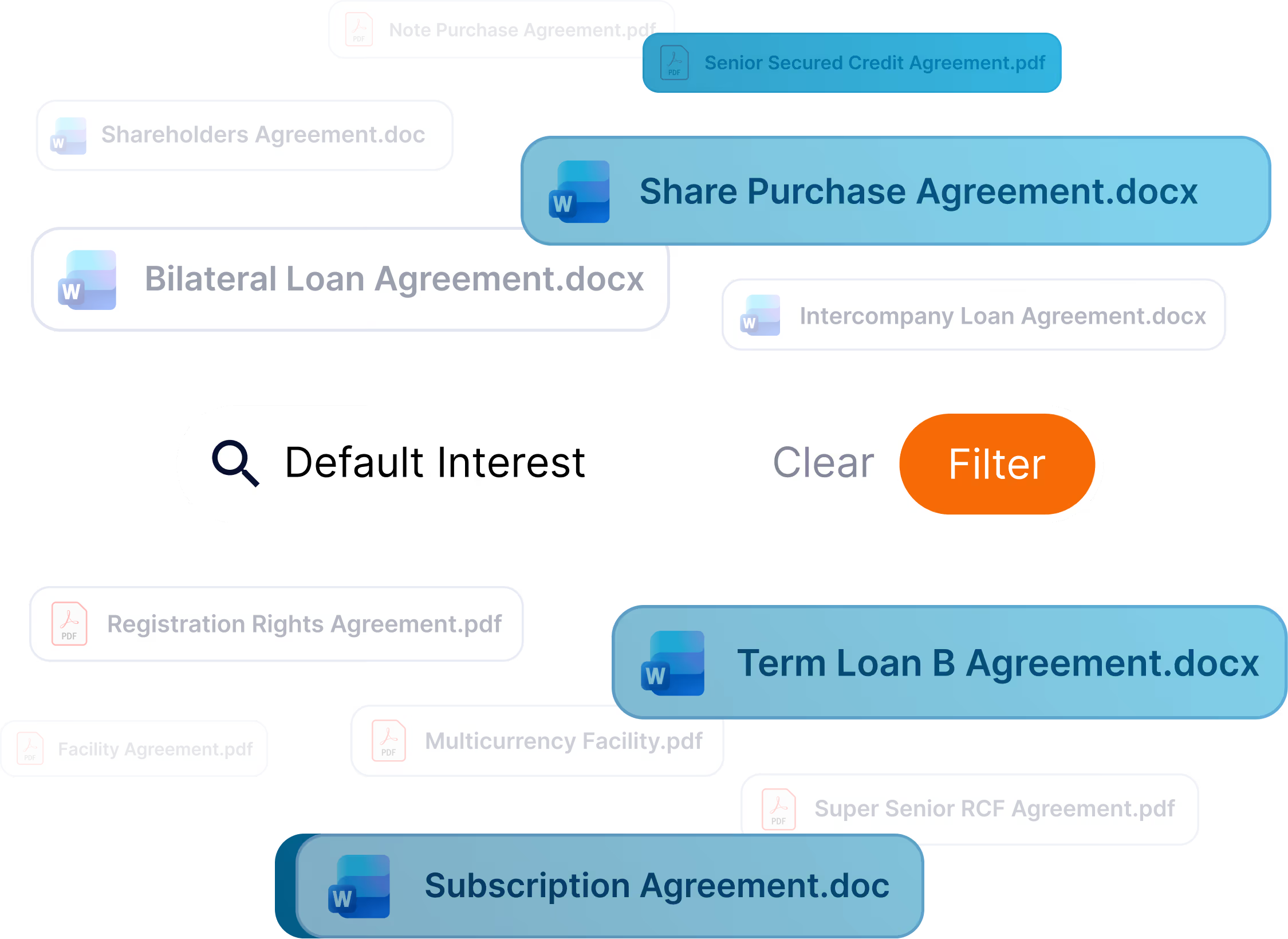
a graphic visual with a text box in the foreground saying 'Default interest', with a button that says 'filter'. In the background you can see all the documents that relate to this term.

Leverage your precedents

Vault connects to your DMS allowing you to search and discover relevant clauses or provisions from your organization's document repository and clause library.


MS Word logo
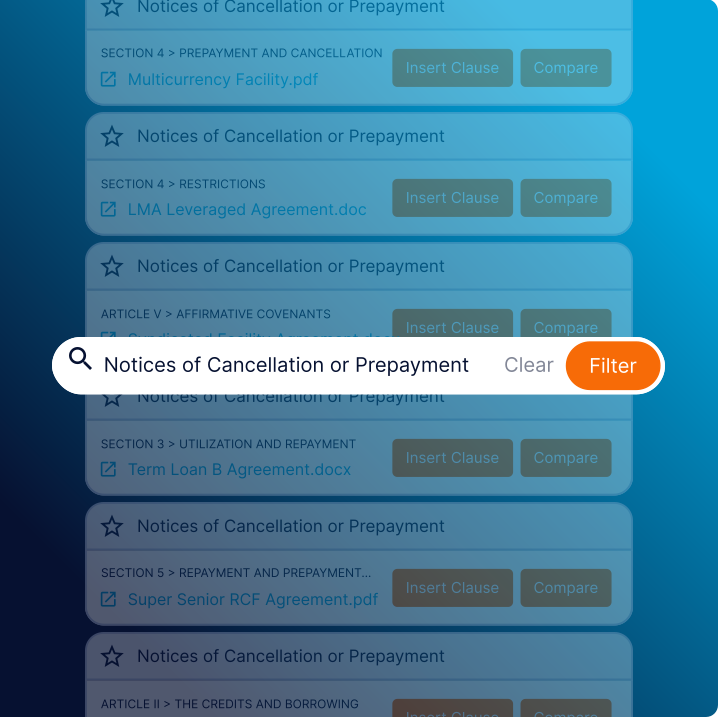
a text box that includes the text 'Notices of cancellation or pre-payment' with multiple windows in the background showing similar documents
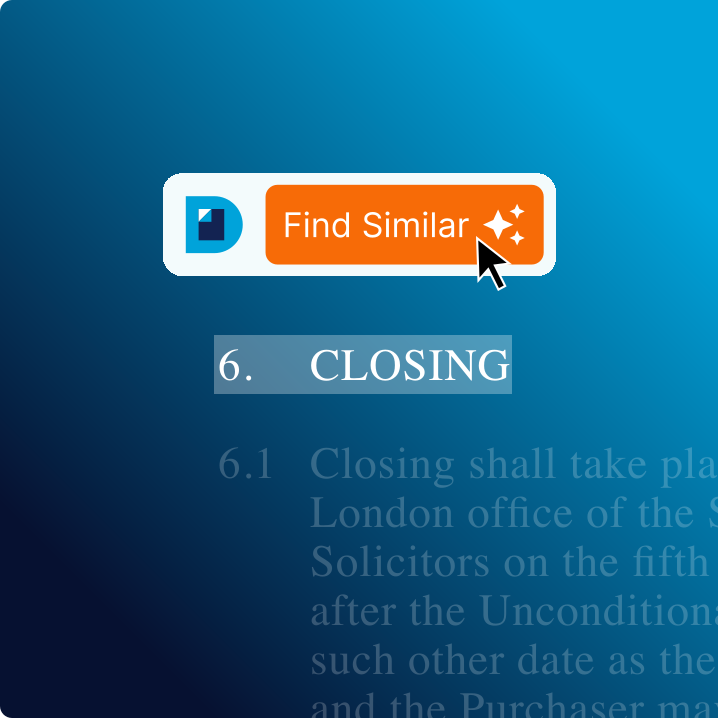
a close up of a contract, with the clause title '6. Closing' highlighted, and a button that says 'find similar'

Draft smarter with contextual search

Vault finds clauses and definitions that are similar in meaning and sorts them by relevance, so you choose the right language every time.

Streamline contract review

See a redline comparison of your drafted clause, then automatically insert it into your contract. Vault inserts the relevant definitions and updates the cross-references associated with that clause.
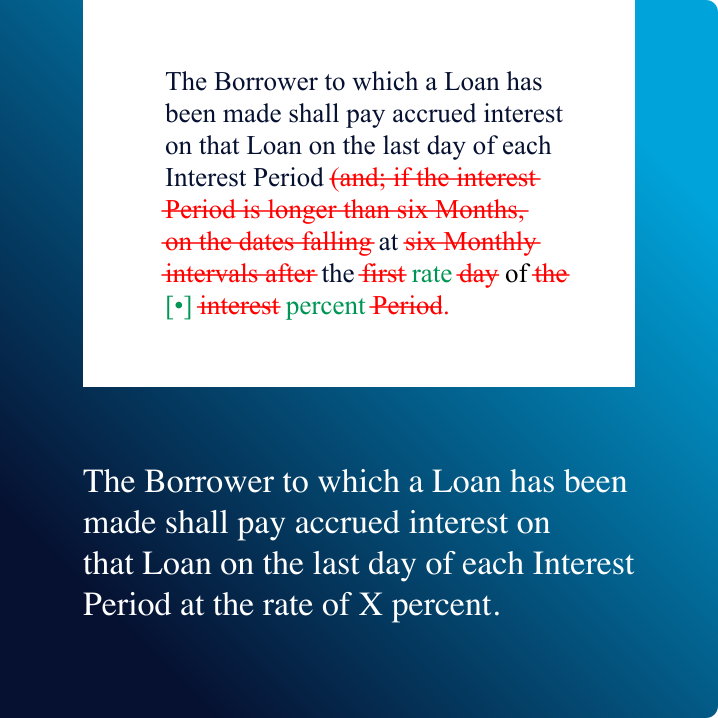

a redline comparison of your drafted clause
Graphic in background says 'Ask anything' in extra large text

The AI legal assistant built for complex contracts

Get started today

Book a demo

Discover the
Definely suite

AI tools for lawyers working on complex contracts in Word.